.png)
Setup API AI Action
API AI Actions use an external API directly to execute the action in another application.
Adding an API AI Action to AI Agent
Step 1: Navigate to AI Agents and select the agent from the dropdown. Then click the AI Actions tab.
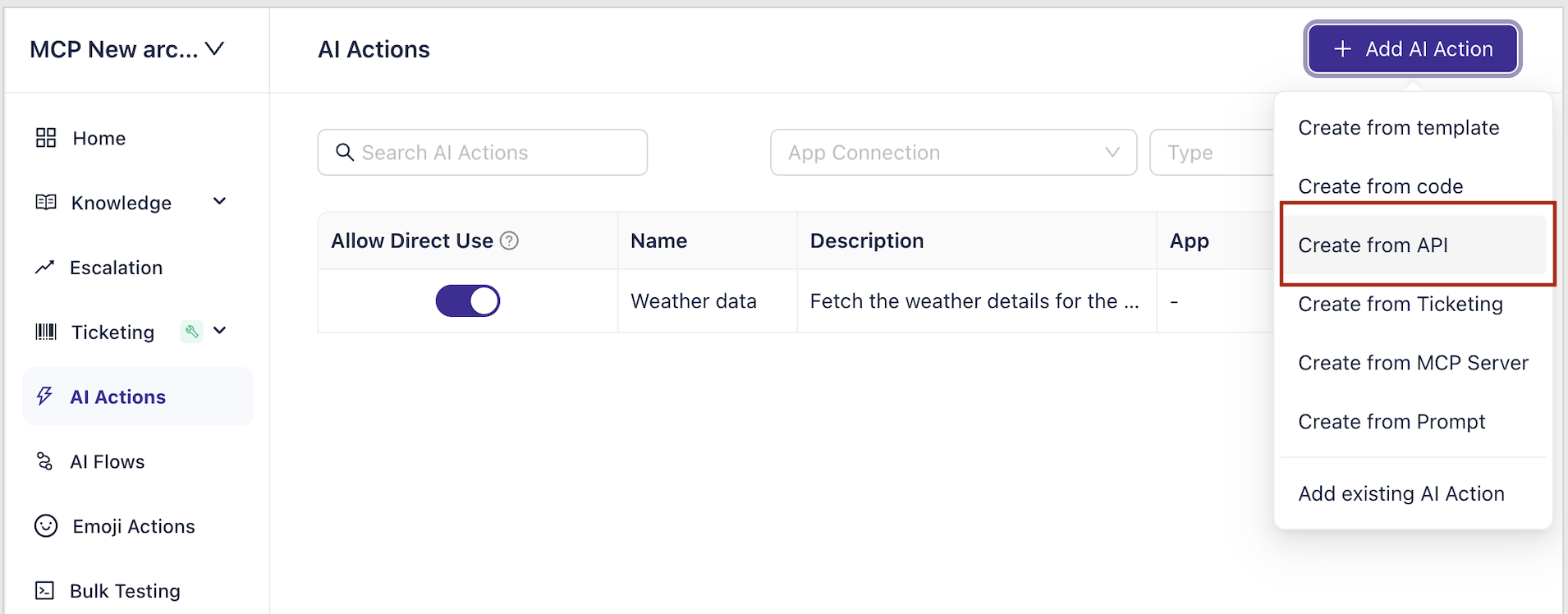
Step 2: Choose 'Create New AI Action,' select 'Create From API' and click 'Next.
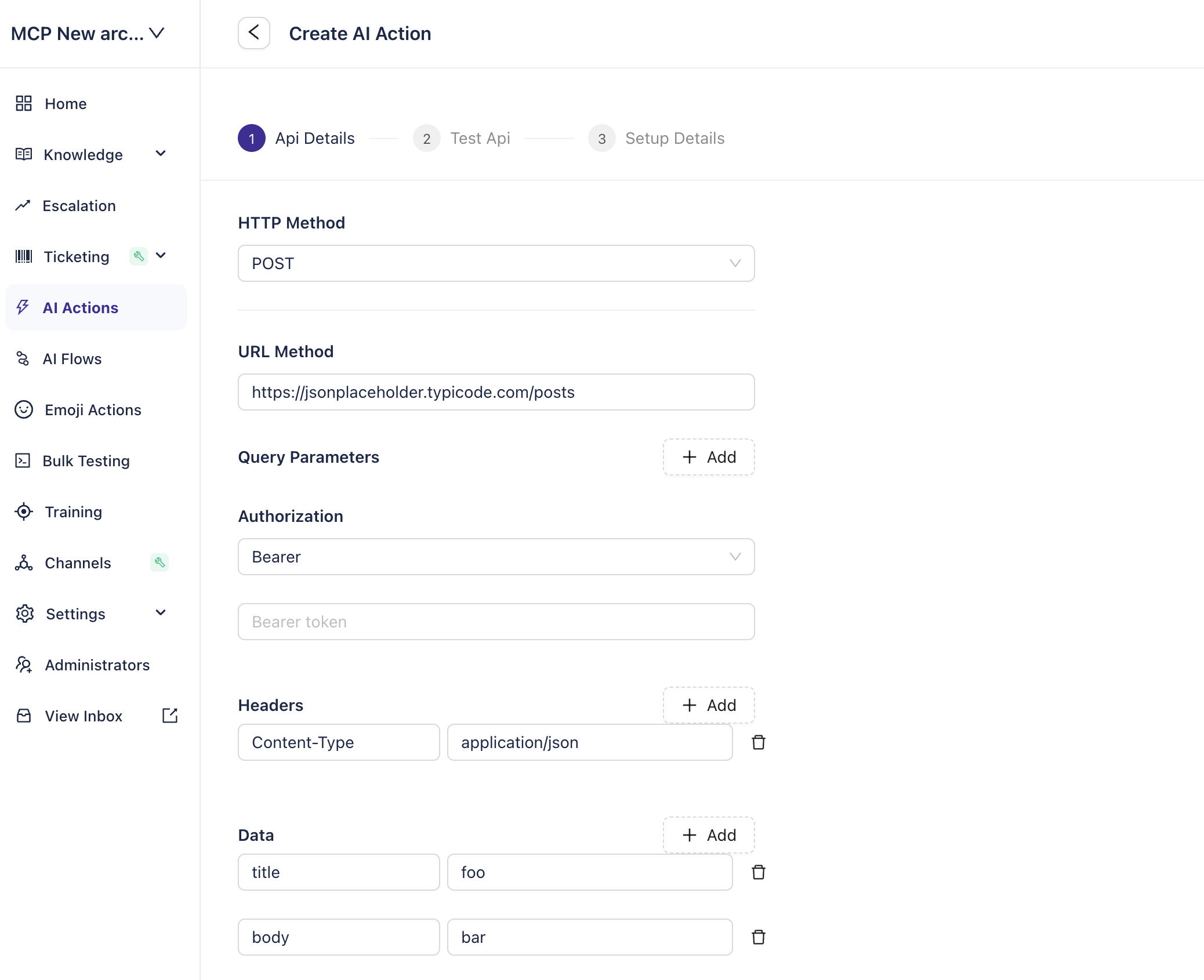
Step 3: Choose the HTTP method and enter the details for making the API call. Once entered, click 'Next.'
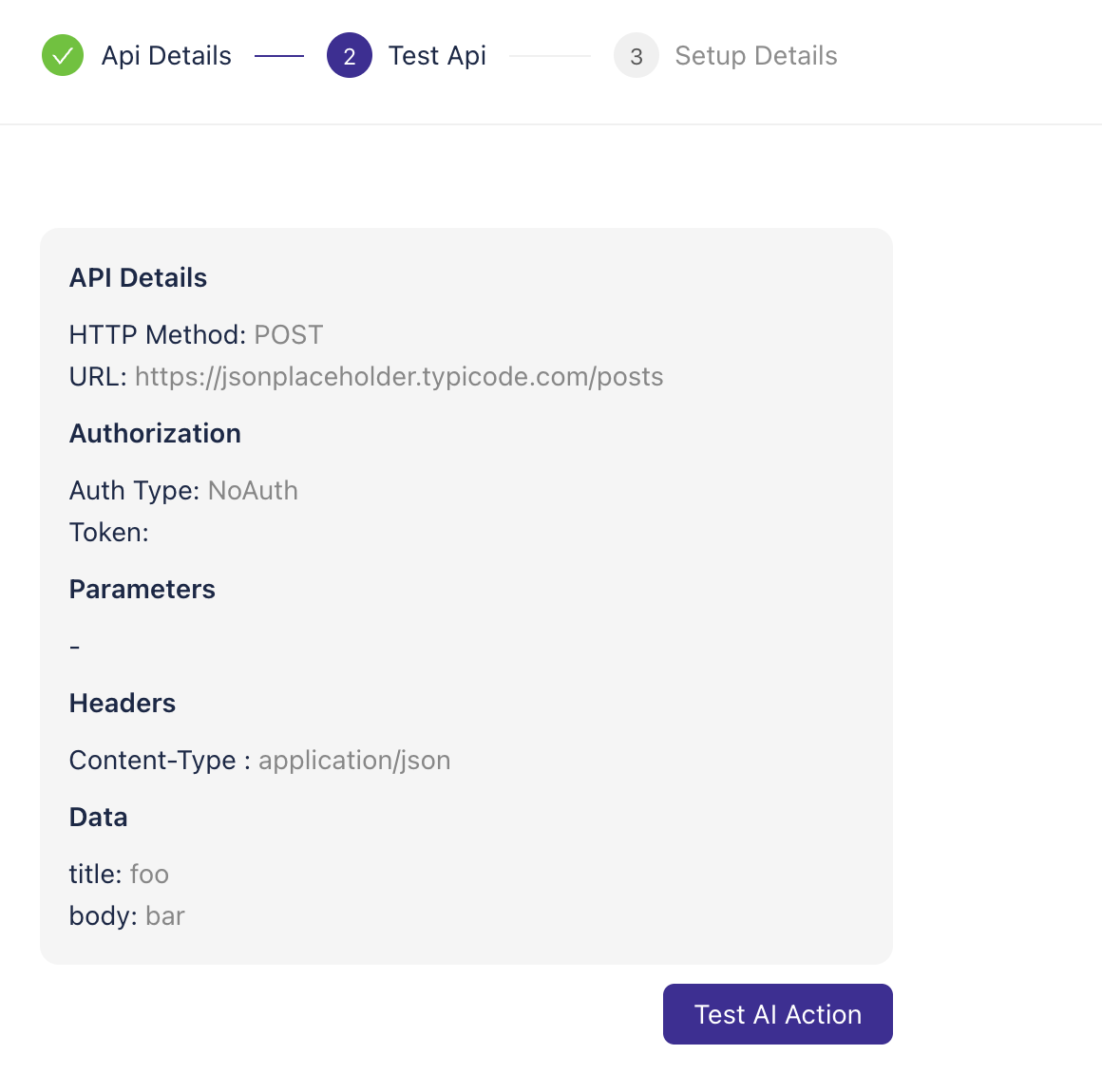
Step 4: You can see all the details entered and test the API with the values you entered as default. Click on Test AI action. Once it is working, click 'Next.'
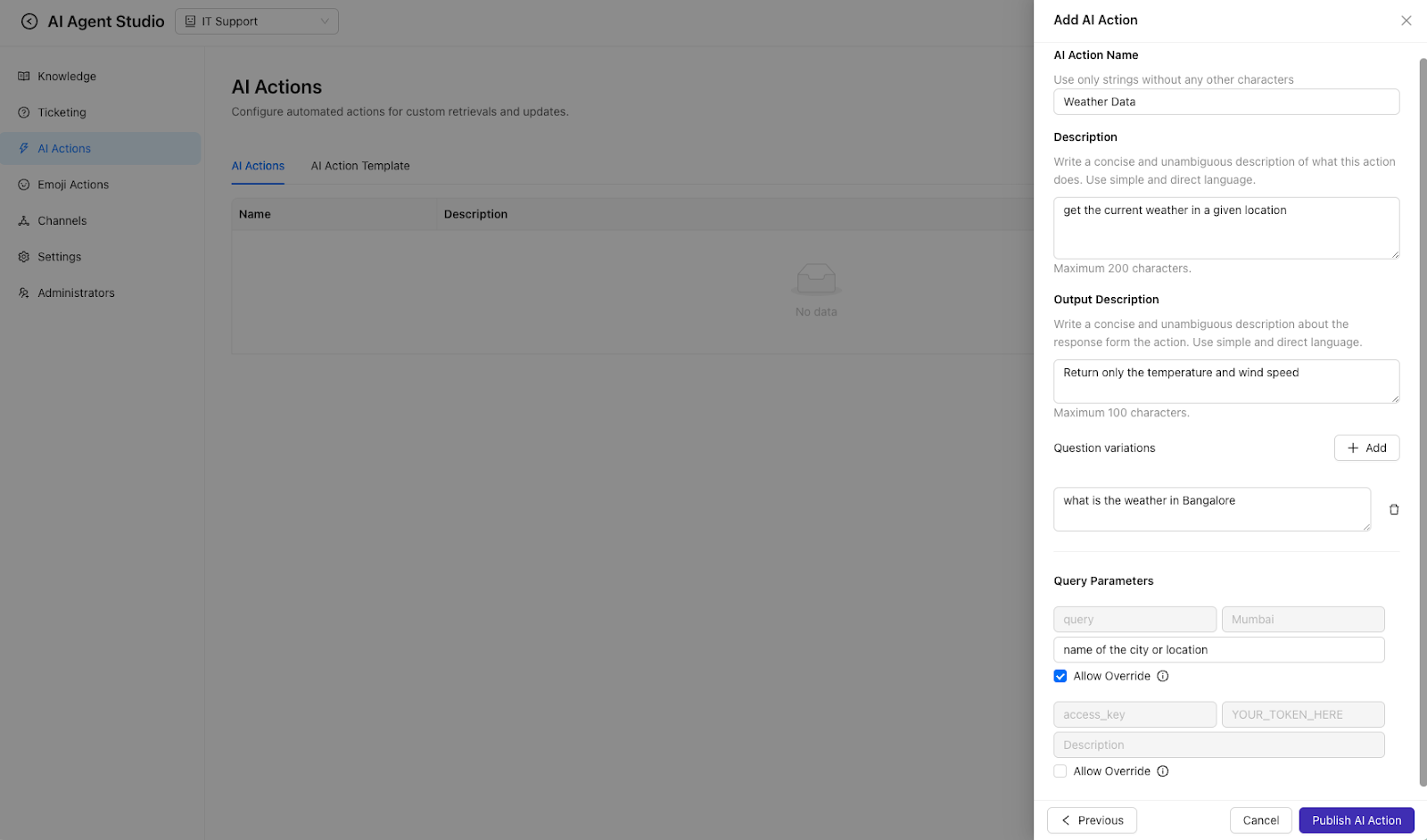
Step 5: Add the action name, description, and output description (optional). Provide a list of question variations that the user can use to trigger the action.
Step 6: Describe all the inputs that the AI action needs to collect from the user. If you want to use your default values and do not want to ask the user for input, uncheck the 'Allow Override' checkbox. Once done, click 'Publish AI Action.'